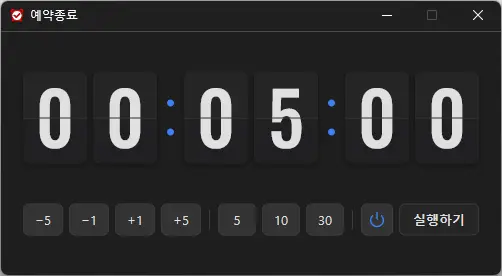
Changed power mode selection to a highlighted two-button Power/Moon toggle, narrowed timer buttons to keep the controls on one row You can automatically shut down your computer at a time of your choosing. The computer shutdown screen is automatically captured.
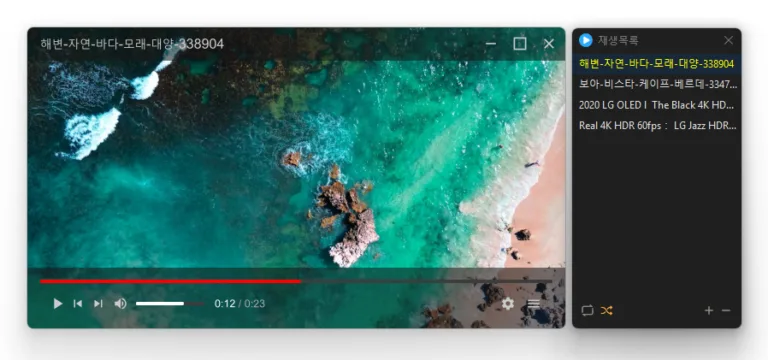
Added aspect ratio preservation when resizing from a window edge Changed shortcut settings to assign keys for each action Refined recovery after graphics errors in some environments Added selection of multiple playlist items by dragging across empty space Centered value labels on settings sliders Added shortcuts for changing the display size Added a shortcut for rotating the display Changed subtitle color selection to use a clickable color box Added playlist search Fixed the edge scrolling direction when moving playlist items Fixed seeking and volume adjustment failures in some locales Plays many media formats right away, with no extra codecs to install. Hardware acceleration keeps high-resolution video smooth. Ready to use as soon as it is installed, and it stays light and fast.
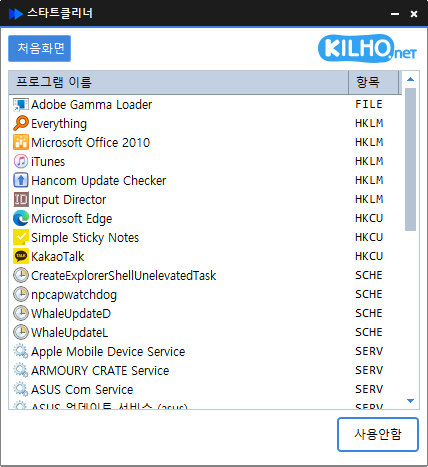
Fixed unexpected exits while loading the startup list in some environments Fixed list rows appearing partially clipped while scrolling Added a restart after graphics errors in some environments Easily manage programs that run automatically at boot time. Unified management of startup folders, registry, task scheduler, services, and more. Safely change settings by disabling instead of deleting.
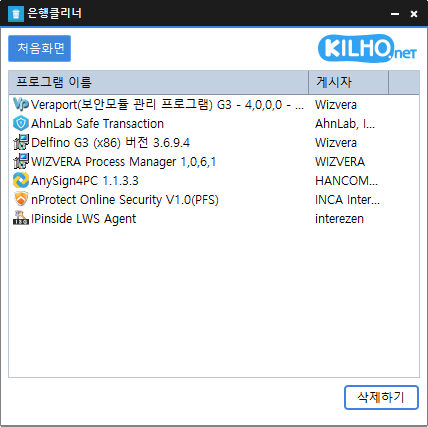
Added a list of selected Windows apps with an option to remove them for the current user Fixed unexpected exits while loading the program list in some environments Fixed list rows appearing partially clipped while scrolling Added automatic restarts after graphics errors in some environments Easily remove security (?) programs that you have no choice but to install. Enjoy the convenience of using it without installation, from a single file.
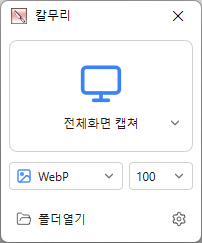
Fixed capture shortcuts not working while some games were in the foreground Added screen handling options for Windows captures and recordings Added System / Light / Dark theme options Video recording support (designation of whole screen and area) Whole screen, active program, window control, area application Support for PNG, JPG, BMP, GIF, MP4 file formats Support saving text with OCR functionality. Support floating image feature. Share the captured image on the web. Color extraction function Full web page capture Printer output
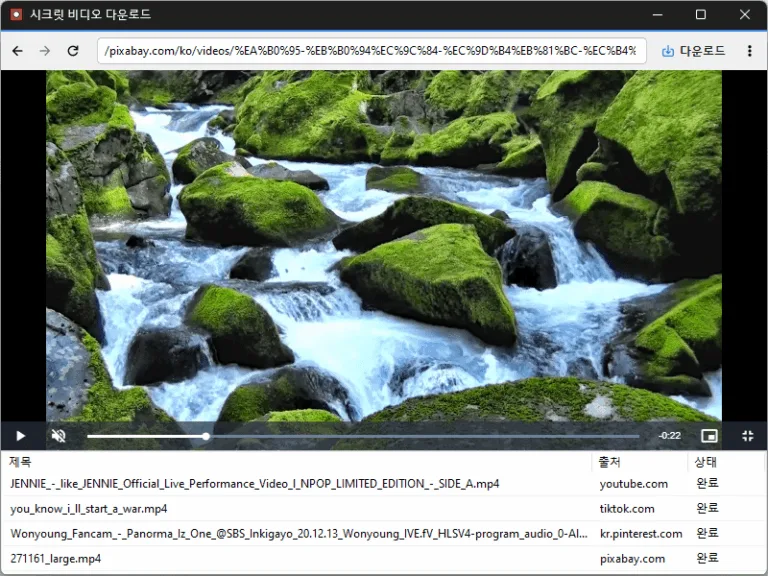
Changed save-folder selection from a Browse button to clicking the field Changed shortcut-entry styling to muted text and an accent border Refined dropdowns to highlight only the item under the pointer Refined separators and the delete item label in the download-list context menu Updated the installer to close a running app normally during installation and removal Conveniently watch videos from OTT services and various other websites. Automatically switch full-screen video to a PIP window. Freely adjust the position and size of the PIP window. Keep watching in the PIP window while doing other work. Save an entire web page as an image with a hotkey. Easily save publicly available videos.
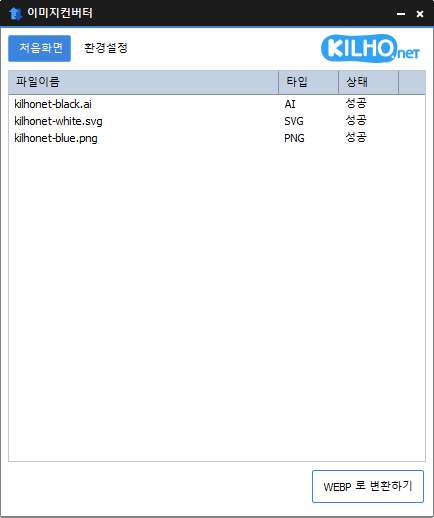
Added drag and drop conversion from Explorer to JPG, PNG, GIF, WEBP, and TIFF Added the Explorer context menu to both the Windows 11 menu and the classic menu Reduced interruptions to the full conversion job when individual files fail Fixed GIF and WEBP conversion errors for filenames containing % You can change various image formats. Save JPG with higher compression using MozJPEG. Specify the width and the image will be resized accordingly. Supports PDF, SVG, AI, PSD, PNG, JPG, GIF, WEBP, and TGA. Images with file signature information are recognized even if they don't have an extension.
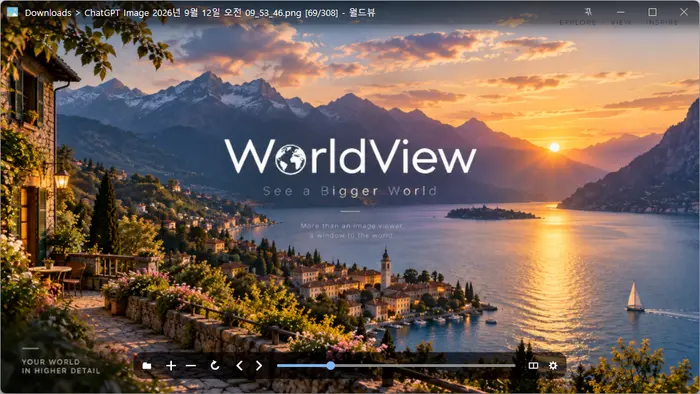
Fixed normal shutdown of running viewers during installation/removal Added support for HWP/HWPX documents Added saved view settings/descriptive titles/per-item jump and delete actions for bookmarks Fixed blurry PDF/HWP pages in two-page/continuous views, including after window resizing Fixed the main window showing only part of its content after opening settings Changed the top bar to appear whenever the bottom controls are visible Opens JPEG, PNG, GIF, WebP, TIFF, BMP, SVG, JPEG XL, and many other image formats. Views images inside ZIP, RAR, and 7Z archives and PDF pages, page by page, without extracting them. Supports single-page, two-page, cover-page, and webtoon viewing modes. Supports animated images, auto-rotation, color conversion, and smooth zooming. Uses GPU rendering and image caching to display high-resolution images smoothly. Provides file associations, fullscreen viewing, image information, and Recycle Bin deletion.
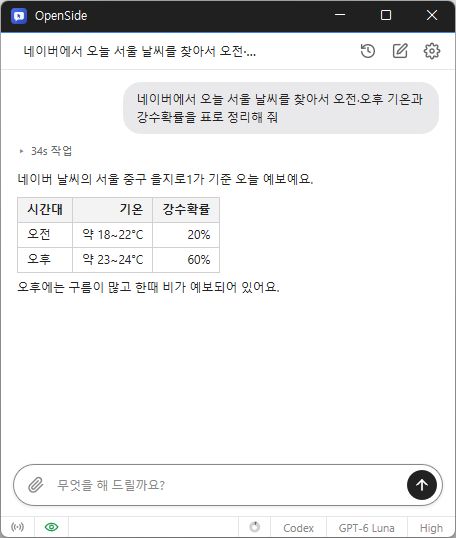
Reduced browser disconnections during long periods of inactivity on affected systems Fixed the window losing its always on top setting and falling behind the browser after a disconnection Fixed the disconnection notice remaining visible after the browser reconnected Tell AI what you need, and it handles searches, clicks, and typing. Automate repetitive tasks like filling out forms and collecting data. Use your existing Chrome or Edge browser and stay signed in. Request tasks and receive results from anywhere via Telegram. Save collected data to Excel.
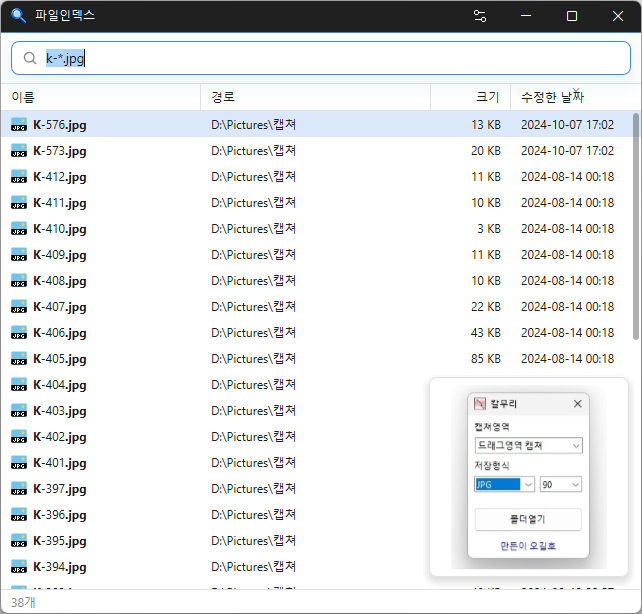
Where did I save that file? Sometimes you know you downloaded a file, but can’t remember which folder you put it in. Opening folders one by one or waiting for File Explorer to finish searching can take a lot of…
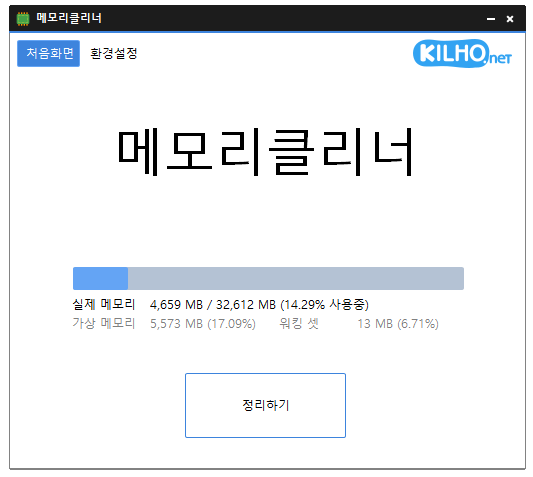
Fixed display issues caused by DPI settings on affected systems A lightweight program for efficient memory management. Choose which memory areas you want to clean. Automatically cleans memory based on your selected interval or memory usage. Automatically clears cached memory when available memory runs low. Runs quietly in the system tray with minimal memory usage.
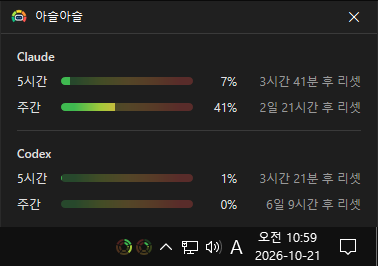
How much of your AI limit is left? Claude and Codex have 5-hour and weekly limits. You may have been in the middle of a task when you hit a limit and had to stop, or opened the usage page…