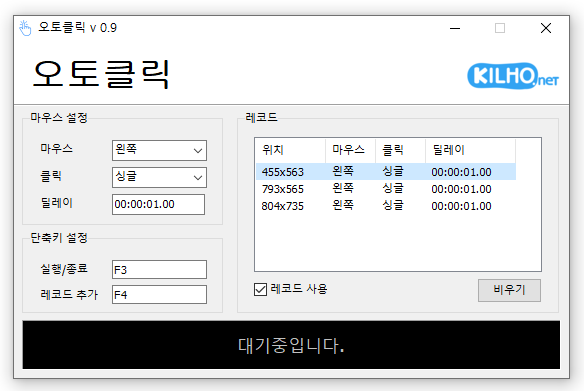
Modified Position Change Feature Without Records A mouse automatic click program. You can add time and coordinates to use in multiple patterns. Click details can be specified.
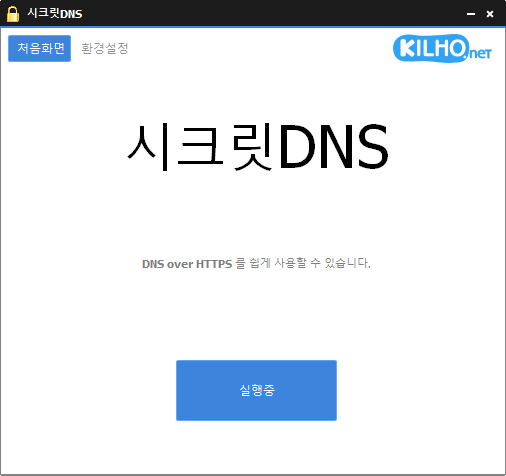
Fixed duplicate creation of tray icon settings Fixed Kyber module issue when browser environment config file is corrupted Only specified domains can perform SNI fragmentation. Secure your DNS with DNS over HTTPS. The ability to bypass SNI eavesdropping (HTTP/HTTPS) is included. Fragmentation of only the SNI string to minimize slowdown. Minimize access problems through whitelisting. It is used by specifying a DNS server through packet bypass without changing Windows settings. You can easily check the information of the accessed site. Recommended options let you add exceptions for only the sites you need, for a smoother experience.
KCleaner (3.6.5) has been updated. Website KCleaner : https://kcleaner.kilho.net License KCleaner is freeware. You can use it freely anywhere, including at companies, home, government offices, and schools. You may freely distribute it anywhere. Frequently Asked Questions (FAQ) Is KCleaner free?Yes,…
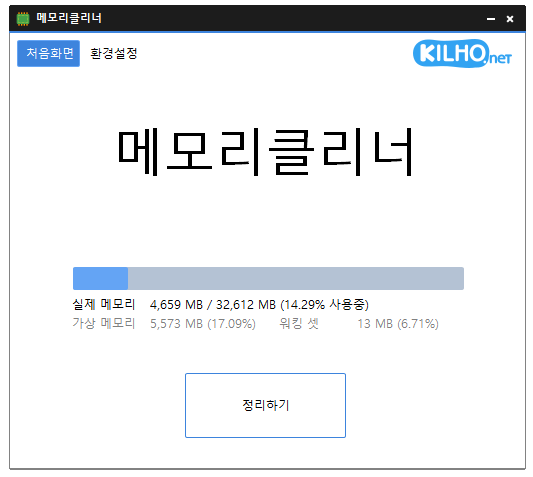
Fixed bugs and improve reliability. A lightweight program for efficient memory management. Choose which memory areas you want to clean. Automatically cleans memory based on your selected interval or memory usage. Automatically clears cached memory when available memory runs low. Runs quietly in the system tray with minimal memory usage.
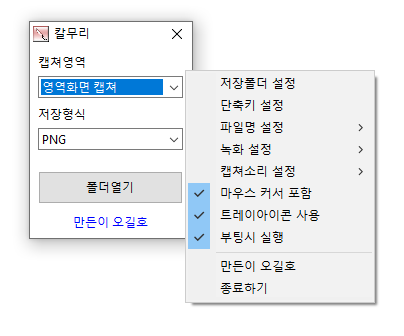
Applied lossless encoding when WebP quality is set to 100% Fixed WebP setting value saving error Video recording support (designation of whole screen and area) Whole screen, active program, window control, area application Support for PNG, JPG, BMP, GIF, MP4 file formats Support saving text with OCR functionality. Support floating image feature. Share the captured image on the web. Color extraction function Full web page capture Printer output
Fixed WebP processing module Video recording support (designation of whole screen and area) Whole screen, active program, window control, area application Support for PNG, JPG, BMP, GIF, MP4 file formats Support saving text with OCR functionality. Support floating image feature. Share the captured image on the web. Color extraction function Full web page capture Printer output
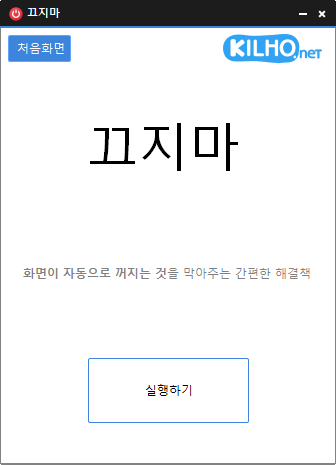
Removed Delphi VCL Styles completely Resolved Direct2D errors occurring on specific computer environments Enhanced HiDPI optimization. Keeps your computer from going into sleep mode or turning off the screen while you work. Works without adjusting any Windows power or sleep settings. Rebuilt in C to greatly reduce the program's file size. Click the cute animated cat on your screen to turn sleep prevention on or off.
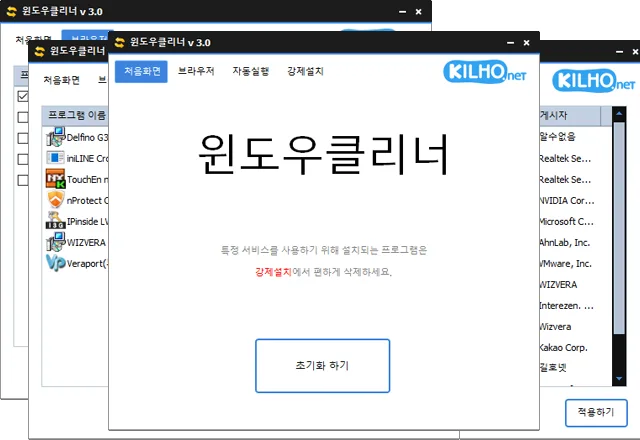
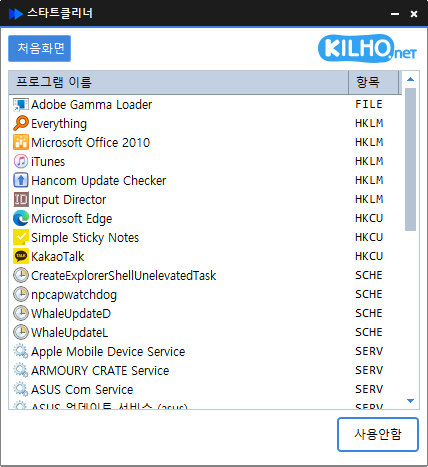
Clean up startup programs with just one click. Easily manage programs that run automatically at startup. Manage startup folders, the registry, Task Scheduler, services, and more in one place. Safely change settings by disabling items instead of deleting them. Website…
Improved update notification module. Added multilingual support Keeps your computer from going into sleep mode or turning off the screen while you work. Works without adjusting any Windows power or sleep settings. Rebuilt in C to greatly reduce the program's file size. Click the cute animated cat on your screen to turn sleep prevention on or off.
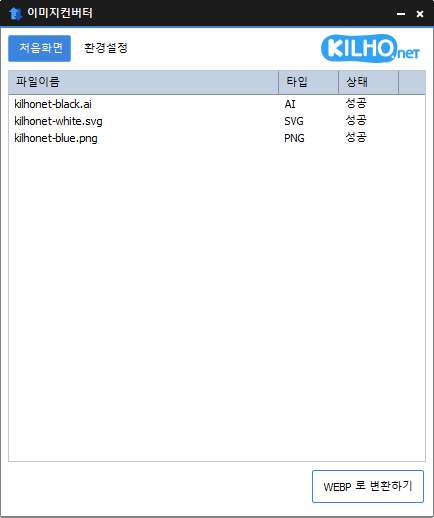
Supported features include bug reporting. You can change various image formats. Save JPG with higher compression using MozJPEG. Specify the width and the image will be resized accordingly. Supports PDF, SVG, AI, PSD, PNG, JPG, GIF, WEBP, and TGA. Images with file signature information are recognized even if they don't have an extension.
Added ability to modify current size in area screen settings. Fixed to prevent crashing when saving settings fails. Fixed web browser related modules. Video recording support (designation of whole screen and area) Whole screen, active program, window control, area application Support for PNG, JPG, BMP, GIF, MP4 file formats Support saving text with OCR functionality. Support floating image feature. Share the captured image on the web. Color extraction function Full web page capture Printer output
Initial release Use the keyboard shortcut (Shift+Windows key+D) to hide or show desktop icons. Runs with a small footprint and requires no runtime libraries. Does not change Windows settings. No installation required.