
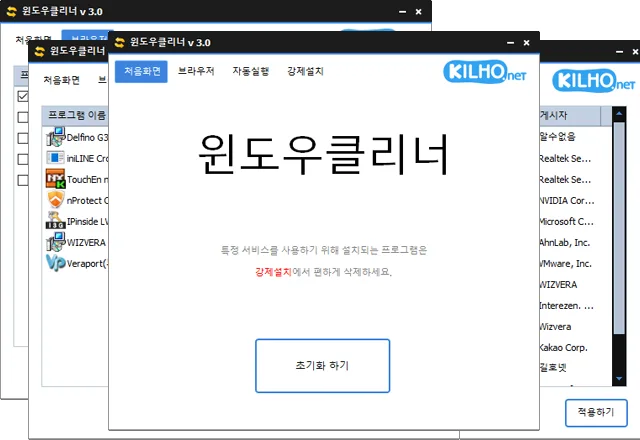
KCleaner (3.7.3) has been updated.
Website
- KCleaner: https://kcleaner.kilho.net
License
- KCleaner is freeware.
- You can use it freely anywhere, including at work, at home, in government offices, and at school.
- You may freely distribute it anywhere.
Download
 Download
(Windows)
Frequently Asked Questions (FAQ)
- Is KCleaner free?
Yes, KCleaner is free to use anywhere, including at work, at home, at school, and in government offices. - Can KCleaner remove security programs?
Yes, it can easily remove mandatory security programs installed by banking websites. - Will KCleaner close important drivers or antivirus software?
No, it will not close essential drivers (such as graphics and sound drivers) or trusted antivirus software. - Will using KCleaner improve my computer’s performance?
Yes, closing unnecessary programs and toolbars can improve your PC’s performance and web browser speed. - Do I need to install the program?
No, KCleaner is a standalone file that you can run without installing it.
Related Links
- Update information: https://blog.kilho.net/archives/notice/2940