
There is a new post. Click here to view the latest post.
Update
- Improved handling of shutdown and restart issues on certain systems
- Enhanced stability by reducing delays and handling edge cases on some PCs
- Improved overall stability and reliability
- Only specified domains can perform SNI fragmentation.
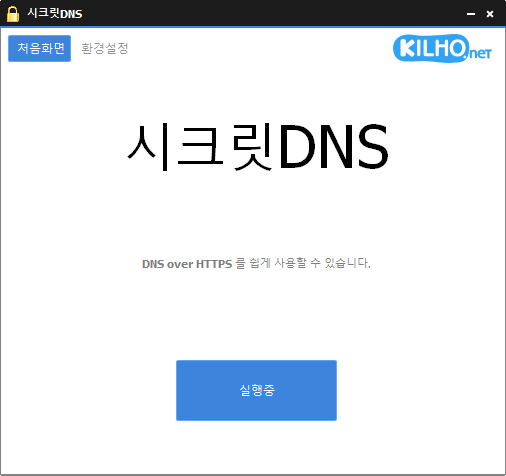
- Secure your DNS with DNS over HTTPS.
- The ability to bypass SNI eavesdropping (HTTP/HTTPS) is included.
- Fragmentation of only the SNI string to minimize slowdown.
- Minimize access problems through whitelisting.
- It is used by specifying a DNS server through packet bypass without changing Windows settings.
- You can easily check the information of the accessed site.
- Using Recommended Options lets you add exceptions for only the sites you need, for a smoother experience.
Website
- SecretDNS: https://secretdns.kilho.net
Recommended Options
- DNS settings – Encryption (DoH)
- SNI settings – Fragmentation (specify manually)
- Specified list – Enter the domains to apply
History
-
Version 3.8.8 (2026/04/06)
- Improved handling to prevent conflicts caused by faulty behavior in Fasoo DRM
- Added many commonly used domains to the whitelist for smoother connectivity
- Improved whitelist handling and configuration flow
- Separated user list and default list for more stable structure
- Enhanced compatibility across various environments
-
Version 3.8.7 (2026/03/17)
- Refined internal structure for smoother start and stop behavior
- Improved handling of exception/custom domain lists while running
- Improved network operation stability
-
Version 3.8.6 (2026/02/25)
- Improved internal flow for initial launch and settings loading
-
Version 3.8.5 (2026/02/05)
- Improved stability when internet information lookup fails
- Added fragmentation extension support for LG network users
License
- SecretDNS is freeware.
- You can use it freely at work, at home, in government offices, at school, and anywhere else.
- You may freely distribute it anywhere.
Download


Frequently Asked Questions (FAQ)
- Why should I use the Recommended Options?
They let you easily use features such as DNS tampering protection and SNI eavesdropping protection while maintaining both speed and security. - Does the SNI fragmentation feature reduce speed?
No. This program fragments only the SNI string, minimizing any impact on speed. - Do the DNS settings change Windows system settings?
No. They use their own DNS settings (DNS over HTTPS) without changing Windows settings, making them stable and secure. - What should I do if I can’t access a particular site?
You can minimize access issues by configuring a whitelist or a list of specified domains. - Can I use it without installing it?
Yes. A portable version is available, so you can use it right away without installation.
Related Links
- Update information: https://blog.kilho.net/archives/notice/2940
- iPhone settings: https://forum.kilho.net/tiptech/1330
항상 감사합니다ㅠㅠㅠ 최고!