
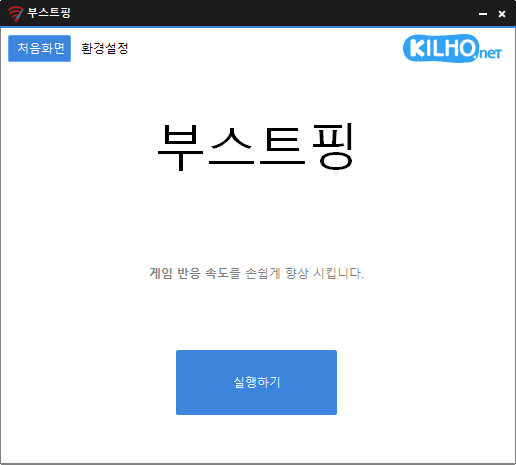
There is a new post. Click here to view the latest post.
Update
- Improved network stability and responsiveness
- Optimized internal system processing for better performance
- Fixed settings save issue for a smoother experience
- Analyzes and sets up the exact network you are active on.
- Modify the Network throttling index
- Disables the Nagle algorithm.
Website
- BoostPing: https://boostping.kilho.net
History
-
Version 1.6.8 (2026/03/31)
- Improved refresh stability for smoother performance
- Enhanced protection against unexpected shutdown issues
- Optimized background operations for a more seamless experience
- Improved responsiveness for a quicker and more fluid workflow
- Added Arabic language support (thanks to Mansour Saad)
-
Version 1.6.7 (2026/03/03)
- Improved stability of network connection control and status check
- Enhanced stability of Ping handling
-
Version 1.6.6 (2026/02/08)
- Improved stability of network connection and adapter features
- Enhanced display stability in high-resolution environments
-
Version 1.6.5 (2026/01/05)
- Improved settings saving for better configuration stability
- Fixed repetitive startup message in some environments
License
- BoostPing is freeware.
- You can use it freely in any setting, including at work, at home, in government offices, and at school.
- You are free to distribute it anywhere.
Download
 Download
(Windows)
Frequently Asked Questions (FAQ)
- Is BoostPing free?
Yes, BoostPing is free to use anywhere, including at work, at home, in government offices, and at school. - Does it need to be installed?
No, you can use it easily by running the executable file without installing it. - Does it help with regular internet use as well?
BoostPing is optimized for online gaming, so we recommend stopping it during regular internet use.
Related Links
- Update information: https://blog.kilho.net/archives/notice/2940