Category: Update

Update

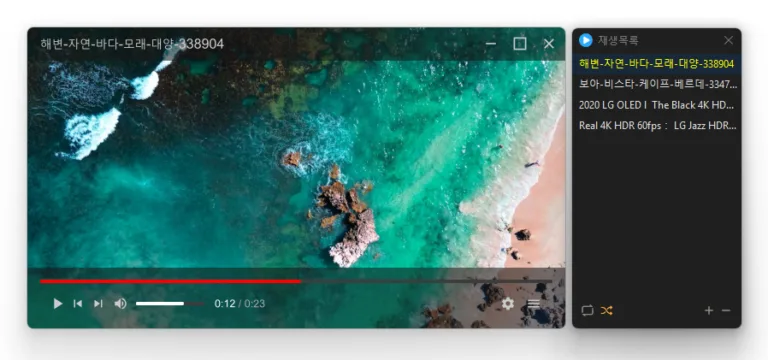
KPlayer 1.2.0 Update

Fixed the Always on Top state changing after switching apps or closing Settings Fixed video duration appearing one second longer than the actual length Fixed playback crashes in some environments Fixed an error when closing the program after playback Prevented crashes when adding deeply nested folders to the list Plays many media formats right away, with no extra codecs to install. Hardware acceleration keeps high-resolution video smooth. Ready to use as soon as it is installed, and it stays light and fast.
Read more — KPlayer 1.2.0 Update
Update

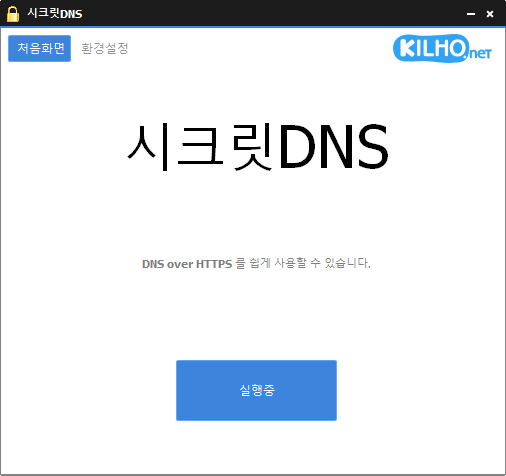
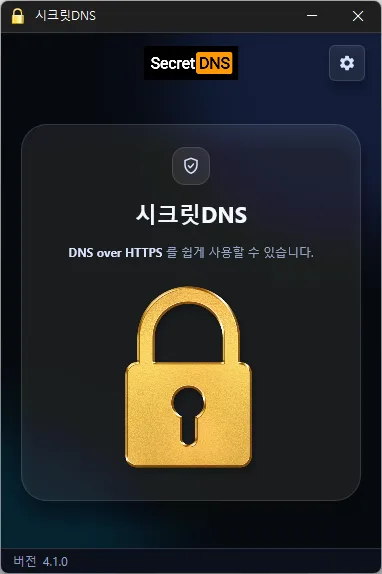
SecretDNS 4.1.0 Update

Improved connection stability through refined connection handling and response validation Reduced initial connection delays for websites using QUIC Fixed downloads or connection handling stalling while using the proxy on affected systems Fixed address lookups incorrectly accepting responses to earlier requests Added an alert when startup settings cannot be changed and prevented incorrect setting status from being displayed Only specified domains can perform SNI fragmentation. Secure your DNS with DNS over HTTPS. The ability to bypass SNI eavesdropping (HTTP/HTTPS) is included. Fragmentation of only the SNI string to minimize slowdown. Minimize access problems through whitelisting. It is used by specifying a DNS server through packet bypass without changing Windows settings. You can easily check the information of the accessed site. Recommended Options let you make exceptions for only the sites you need, for a smoother experience.

Read more — SecretDNS 4.1.0 Update
Update

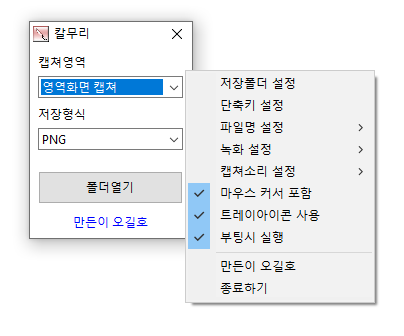
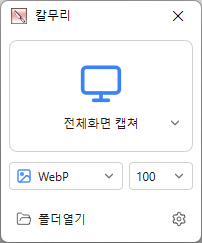
Kalmuri 5.0.0 Update

Enhanced image upload security and failure handling Fixed WebP save errors and empty file creation Fixed recording startup and status issues in some environments Improved screen capture and drag capture stability Prevented existing files from being overwritten during rapid consecutive captures Prevented OCR and configuration errors Improved duplicate application launch prevention Improved capture area size and position saving Enhanced overall application stability Video recording support (designation of whole screen and area) Whole screen, active program, window control, area application Support for PNG, JPG, BMP, GIF, MP4 file formats Support saving text with OCR functionality. Support floating image feature. Share the captured image on the web. Color extraction function Full web page capture Printer output

Read more — Kalmuri 5.0.0 Update
Update

WorldView 1.0.0 Update

Added an option to enlarge small images when fitting a single image to the window Refined the settings window size, text size, menu layout, and spacing Changed duplicate shortcut warnings to appear in a separate dialog Updated icons in the bottom toolbar and navigation arrows Changed on/off settings to checkboxes Opens JPEG, PNG, GIF, WebP, TIFF, BMP, SVG, JPEG XL, and many other image formats. Views images inside ZIP, RAR, and 7Z archives and PDF pages, page by page, without extracting them. Supports single-page, two-page, cover-page, and webtoon viewing modes. Supports animated images, auto-rotation, color conversion, and smooth zooming. Uses GPU rendering and image caching to display high-resolution images smoothly. Provides file associations, fullscreen viewing, image information, and Recycle Bin deletion.

Read more — WorldView 1.0.0 Update
Update

SecretDNS 4.0.6 Update

Changed existing options to reset to defaults once when updating Prevented updates from overwriting user-configured DNS lists Only specified domains can perform SNI fragmentation. Secure your DNS with DNS over HTTPS. The ability to bypass SNI eavesdropping (HTTP/HTTPS) is included. Fragmentation of only the SNI string to minimize slowdown. Minimize access problems through whitelisting. It is used by specifying a DNS server through packet bypass without changing Windows settings. You can easily check the information of the accessed site. Recommended Options let you add exceptions for only the sites you need for a smoother experience.

Read more — SecretDNS 4.0.6 Update
Update

KPlayer 1.1.7 Update

Fixed previous videos retaining memory after switching to the next video on some systems Reduced memory usage when previewing 4K AV1 videos on some systems Added a spinning LP with a circular title display when playing music without cover art Fixed a brief white window appearing immediately after launch on some Windows 11 systems Changed opening an associated file to replace the existing playlist with the opened files Added playback progress to the taskbar button Added file name search to the playlist window Plays many media formats right away, with no extra codecs to install. Hardware acceleration keeps high-resolution video smooth. Ready to use as soon as it is installed, and it stays light and fast.

Read more — KPlayer 1.1.7 Update
Update

KCleaner 4.0.2 Update

Reduced unexpected program exits on affected systems Easily remove unwanted or forcibly installed security programs. Cleanly terminate malicious programs that disguise themselves with the same names as Windows system processes. Conveniently manage programs that automatically run from various locations at startup. Does not close essential drivers such as graphics or sound drivers. (closing them may cause performance issues). Does not terminate trusted antivirus software.

Read more — KCleaner 4.0.2 Update
Update

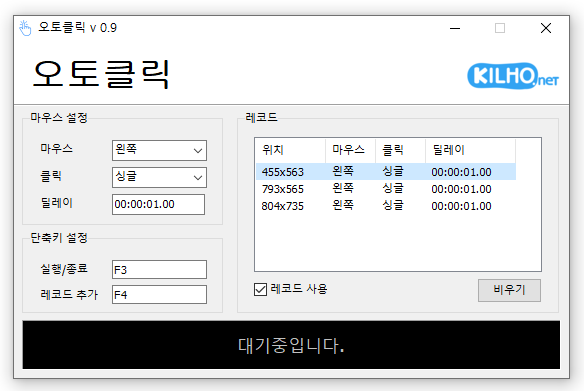
AutoClick 2.0.0 Update

Refactored the code for cross-platform support Added start / stop / completion notifications, stop shortcut guidance, and notification settings Improved relaunch behavior to bring the existing window to the front Prevented duplicate shortcuts with clearer messages Fixed auto-filled maximum intervals persisting after interval changes Improved readability of record intervals, running status, and dialogs Fixed menu mistranslations in some languages A mouse automatic click program. You can add time and coordinates to use in multiple patterns. Click details can be specified.

Read more — AutoClick 2.0.0 Update
Update

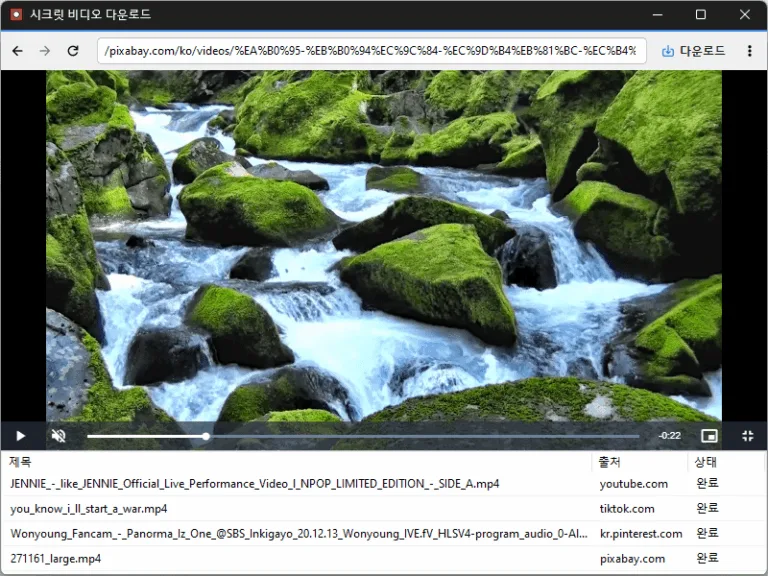
Secret Video 1.3.3 Update

Improved downloads from older video links Added support for videos that open at a new address Improved downloads in some cases where video details were unavailable Conveniently watch videos from OTT services and various other websites. Automatically switch full-screen video to a PIP window. Freely adjust the position and size of the PIP window. Keep watching in the PIP window while doing other work. Save an entire web page as an image with a hotkey. Easily save publicly available videos.

Read more — Secret Video 1.3.3 Update
Update

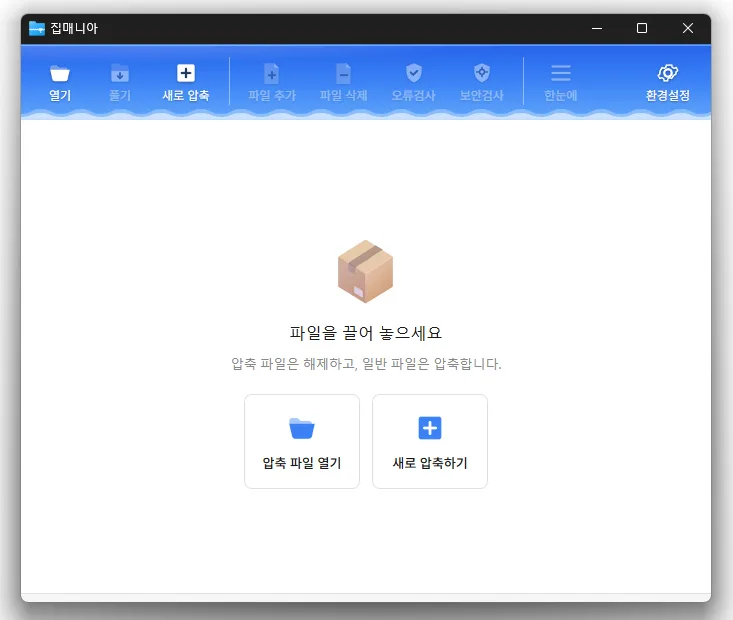
ZipMania 1.0.0 Update

Fixed compression and extraction windows appearing behind File Explorer Improved update checks on company networks Improved keyboard navigation between folders Simplified the Settings screen Added archive names to window titles Reduced app size and refined the interface Opens a wide range of archive formats, including ZIP, RAR, 7Z, EGG, ALZ, and ISO. Previews images and text without extracting the archive. Uses a dedicated ZIP engine for fast compression and extraction. Supports password protection, filename encryption, and split archives. Compresses and extracts files directly from the Windows Explorer context menu. Free to use with no ads or bundled software.

Read more — ZipMania 1.0.0 Update
Update

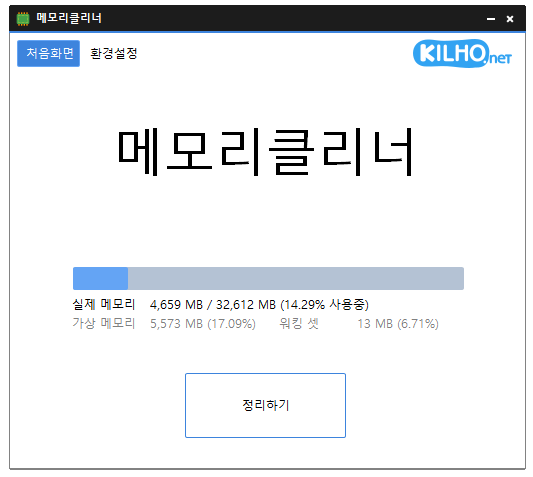
MemoryCleaner 3.0.0 Update

Rewrote MemoryCleaner from Delphi in pure C for faster and more stable performance Reduced background memory usage by more than 95 percent for lighter long term operation Reduced the application size by approximately 98 percent for faster startup and a smaller footprint Added the option to choose exactly which memory areas to clean Added a new automatic cleanup feature that clears cached memory when available memory runs low Added cached memory size and usage information directly to the main screen Improved default cleanup settings to help reduce interruptions while gaming or watching videos Fixed an issue where cleanup could appear to fail on some PCs when a specific item was unavailable Enhanced error detection to help identify and resolve unexpected shutdowns faster Added a button to restore all settings to their defaults Fixed an issue where update checks might not complete correctly on some PCs Removed unnecessary permission requests and improved overall reliability A lightweight program for efficient memory management. Choose which memory areas you want to clean. Automatically cleans memory based on your selected interval or memory usage. Automatically clears cached memory when available memory runs low. Runs quietly in the system tray with minimal memory usage.

Read more — MemoryCleaner 3.0.0 Update
Update

Kalmuri 4.3.1 Update

Enhanced image upload security and failure handling Fixed WebP save errors and empty file creation Fixed recording startup and status issues in some environments Improved screen capture and drag capture stability Prevented existing files from being overwritten during rapid consecutive captures Prevented OCR and configuration errors Improved duplicate application launch prevention Improved capture area size and position saving Enhanced overall application stability Video recording support (designation of whole screen and area) Whole screen, active program, window control, area application Support for PNG, JPG, BMP, GIF, MP4 file formats Support saving text with OCR functionality. Support floating image feature. Share the captured image on the web. Color extraction function Full web page capture Printer output

Read more — Kalmuri 4.3.1 Update