Category: Update

Update

1stChip 0.9.1 Update

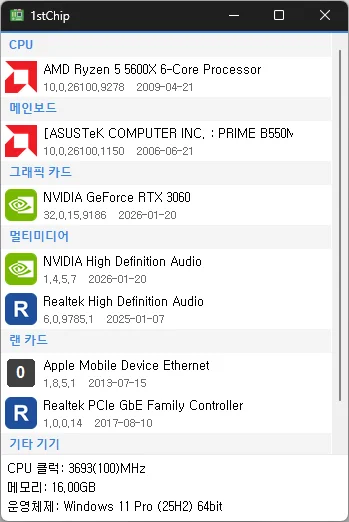
Fixed untranslated CPU clock, memory, and operating system information Fixed an issue where invalid date information could close the app Improved stability when loading PC information on some systems Fixed missing guidance for devices experiencing problems See your CPU, motherboard, graphics card, multimedia, network card and other devices on one screen. Shows the installed driver version and date for each device. Compares against the server and tells you when a newer driver is available. Shows CPU clock, memory size and operating system. No installer: unzip and run, so you can carry it on a USB drive.
Read more — 1stChip 0.9.1 Update
Update

KTimer 2.0.0 Update

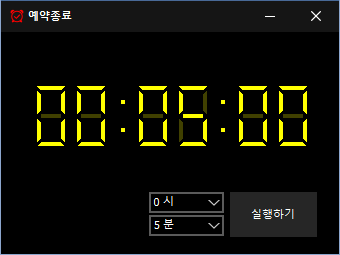
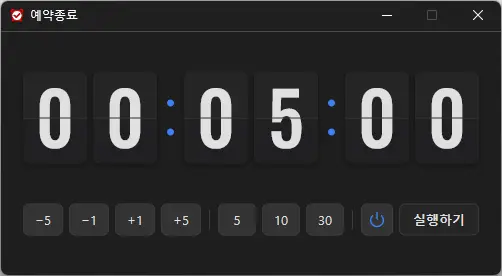
Introduced a stylish flip clock design for faster time checking Added intuitive buttons for quicker and easier time setup Improved shutdown and sleep selection with clear visual icons Applied sharper number styling and colors optimized for the dark interface Improved display behavior and reliability in certain user environments Redesigned the entire app for a lighter and smoother experience You can automatically shut down your computer at a time of your choosing. The computer shutdown screen is automatically captured.

Read more — KTimer 2.0.0 Update
Update

StartCleaner 1.1.2 Update

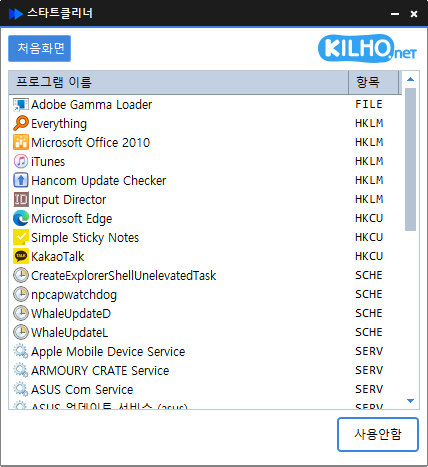
Added a safety check to help prevent accidental deletion of startup items Fixed an error when loading update information on some devices Easily manage programs that run automatically at boot time. Unified management of startup folders, registry, task scheduler, services, and more. Safely change settings by disabling instead of deleting.

Read more — StartCleaner 1.1.2 Update
Update

ImageConverter 2.0.0 Update

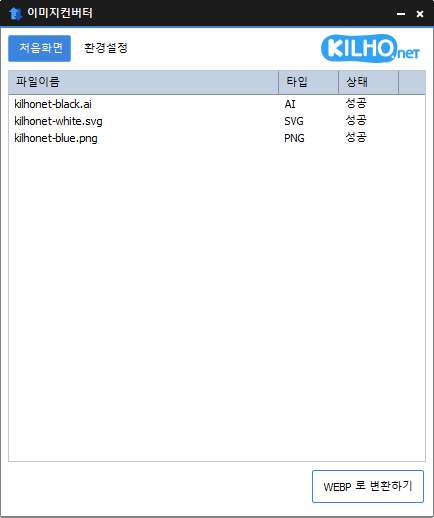
Redesigned ImageConverter with a more convenient way to start converting Improved image size selection for easier use Improved the update experience so you can keep using your existing settings Improved right-click conversion in Windows Prepared support for more operating systems You can change various image formats. Save JPG with higher compression using MozJPEG. Specify the width and the image will be resized accordingly. Supports PDF, SVG, AI, PSD, PNG, JPG, GIF, WEBP, and TGA. Images with file signature information are recognized even if they don't have an extension.

Read more — ImageConverter 2.0.0 Update
Update

StayOn 2.0.0 Update

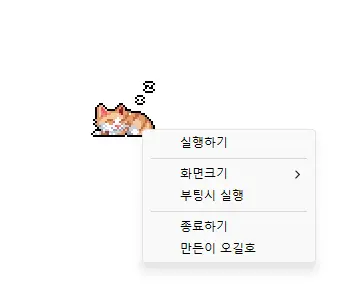
Redesigned the app for a lighter and more reliable experience Improved prevention of screen timeout, sleep mode, and unexpected Away status in apps such as Teams Added 100%, 200%, and 400% display size options Added automatic saving of window position and display size, and improved multi-monitor placement Keeps your computer from going into sleep mode or turning off the screen while you work. Works without adjusting any Windows power or sleep settings. Rebuilt in C to greatly reduce the program's file size. Click the cute animated cat on your screen to turn sleep prevention on or off.

Read more — StayOn 2.0.0 Update
Update

AutoClick 1.5.5 Update

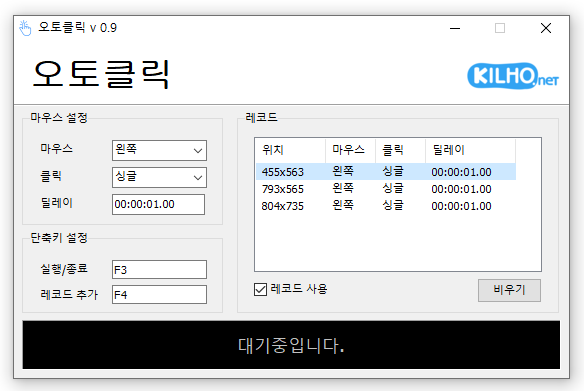
Fixed shorter wait times affecting some older saved records Fixed custom click interval ranges being reset when changing settings Added a notification when another program is using the same hotkey Improved responsiveness by reducing unnecessary delays after double clicks Prevented continuous clicking caused by an invalid repeat count A mouse automatic click program. You can add time and coordinates to use in multiple patterns. Click details can be specified.

Read more — AutoClick 1.5.5 Update
Update

BoostPing 1.7.2 Update

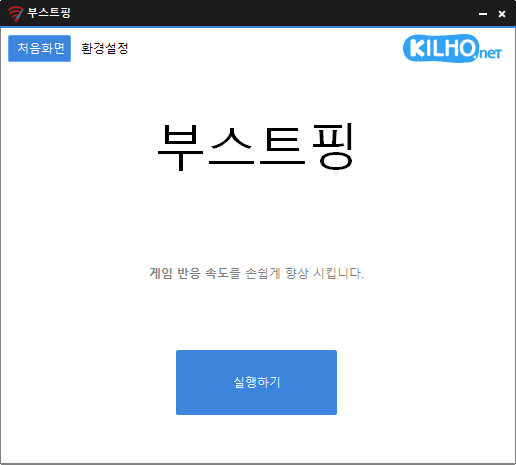
Fixed an issue where some users could lose their previous settings after stopping optimization Improved restoration to keep unselected settings unchanged Improved reliability so remaining changes can be reverted after an unsuccessful setup Improved compatibility for safely stopping optimization started in previous versions Analyzes and sets up the exact network you are active on. Modify the Network throttling index Disables the Nagle algorithm.

Read more — BoostPing 1.7.2 Update
Update

KPlayer 1.0.0 Update

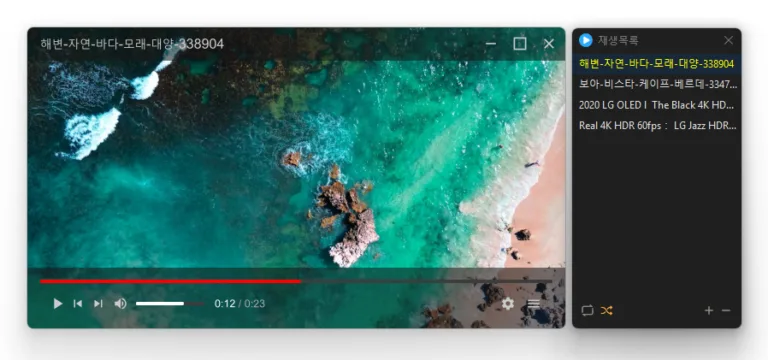
Added faster file and folder access from the start screen, right click menu, and Ctrl+O Improved file opening to easily find and play 38 media formats Improved file associations and icons so major media files are ready immediately after installation Prevented launch issues affecting some users when required components were missing Added customizable mouse actions and keyboard shortcuts Plays many media formats right away, with no extra codecs to install. Hardware acceleration keeps high-resolution video smooth. Ready to use as soon as it is installed, and it stays light and fast.

Read more — KPlayer 1.0.0 Update
Update

Secret Video 1.2.1 Update

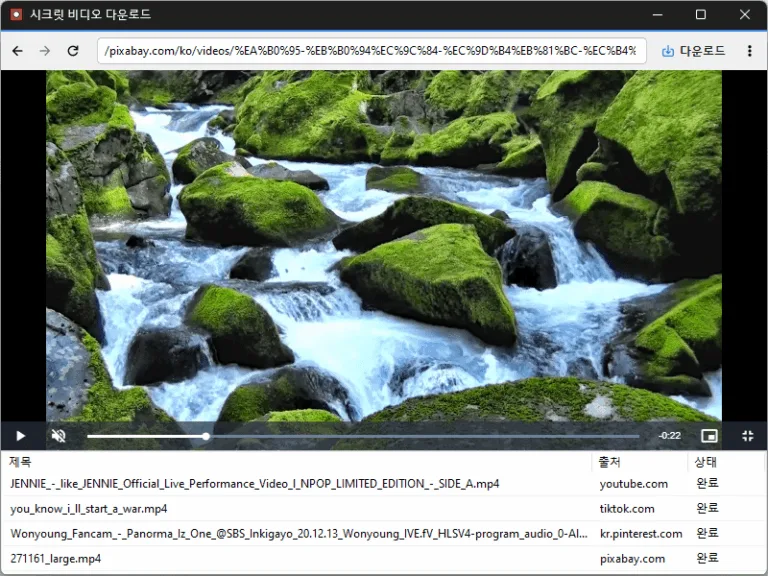
Fixed an issue that prevented downloads from starting with some N-company TV Shorts links Improved N-company TV Shorts link recognition Conveniently watch videos from OTT services and various other websites. Automatically switch full-screen video to a PIP window. Freely adjust the position and size of the PIP window. Keep watching in the PIP window while doing other work. Save an entire web page as an image with a hotkey. Easily save publicly available videos.

Read more — Secret Video 1.2.1 Update
Update

MemoryCleaner 2.0.3 Update

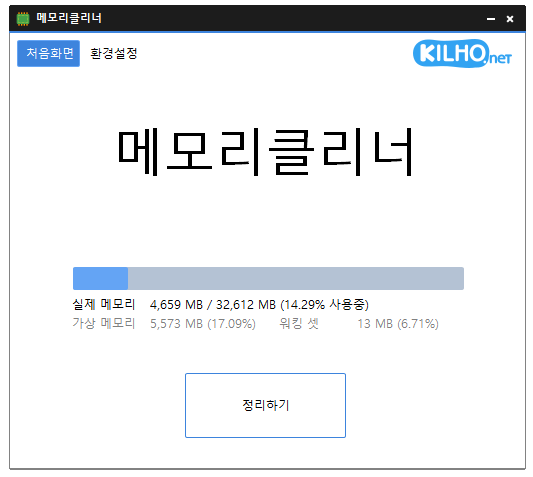
Improved fullscreen detection for uninterrupted gaming and video playback Enhanced stability by preventing errors that could occur during shutdown on some systems Fixed incorrect completion notifications when memory cleanup fails Optimized automatic cleanup to prevent excessive repeated cleaning on certain systems Prevented configuration errors caused by corrupted or outdated settings A lightweight program for efficient memory management. Choose which memory areas you want to clean. Automatically cleans memory based on your selected interval or memory usage. Automatically clears cached memory when available memory runs low. Runs quietly in the system tray with minimal memory usage.

Read more — MemoryCleaner 2.0.3 Update
Update

ImageConverter 1.6.3 Update

Improved Windows 11 right click access for faster image conversion Fixed an issue where the right click menu could be missing or duplicated on some PCs Improved updates that could pause Explorer or fail to complete in certain environments Enhanced PDF clarity and stability when converting large documents Improved HEIC and AVIF file recognition Prevented unnecessary conversion failures by detecting empty or invalid files earlier Updated program information to accurately reflect supported formats You can change various image formats. Save JPG with higher compression using MozJPEG. Specify the width and the image will be resized accordingly. Supports PDF, SVG, AI, PSD, PNG, JPG, GIF, WEBP, and TGA. Images with file signature information are recognized even if they don't have an extension.

Read more — ImageConverter 1.6.3 Update
Update

KTimer 1.3.2 Update

Improved menu options and behavior based on hibernation support Improved sleep mode switching and added a notification when switching fails Fixed an auto-start setup issue that could occur with certain security software Improved stability by reorganizing internal settings Improved update checking You can automatically shut down your computer at a time of your choosing. The computer shutdown screen is automatically captured.

Read more — KTimer 1.3.2 Update