Kilho.net

Update

BoostPing 1.7.2 Update

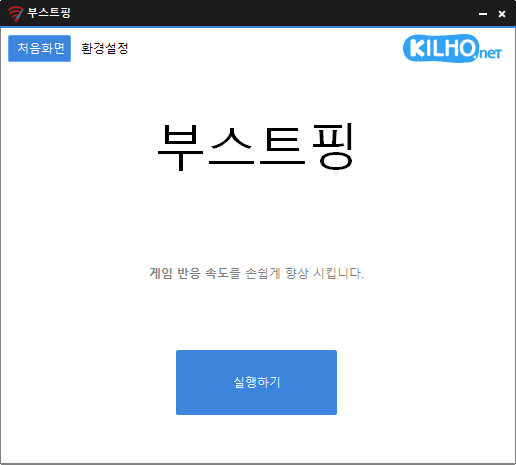
Fixed an issue where some users could lose their previous settings after stopping optimization Improved restoration to keep unselected settings unchanged Improved reliability so remaining changes can be reverted after an unsuccessful setup Improved compatibility for safely stopping optimization started in previous versions Analyzes and sets up the exact network you are active on. Modify the Network throttling index Disables the Nagle algorithm.
Read more — BoostPing 1.7.2 Update
Update

KPlayer 1.0.0 Update

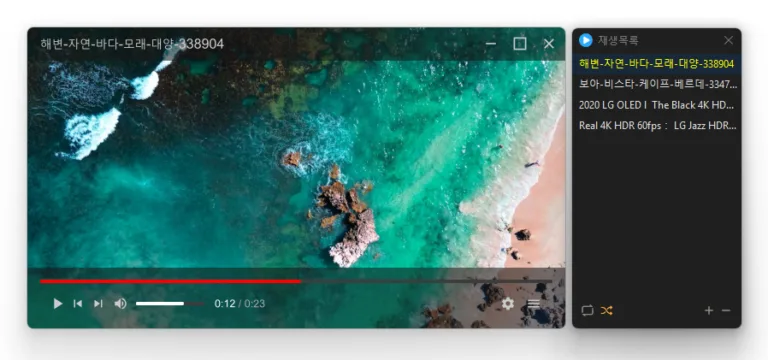
Added faster file and folder access from the start screen, right click menu, and Ctrl+O Improved file opening to easily find and play 38 media formats Improved file associations and icons so major media files are ready immediately after installation Prevented launch issues affecting some users when required components were missing Added customizable mouse actions and keyboard shortcuts Plays many media formats right away, with no extra codecs to install. Hardware acceleration keeps high-resolution video smooth. Ready to use as soon as it is installed, and it stays light and fast.

Read more — KPlayer 1.0.0 Update
Update

Secret Video 1.2.1 Update

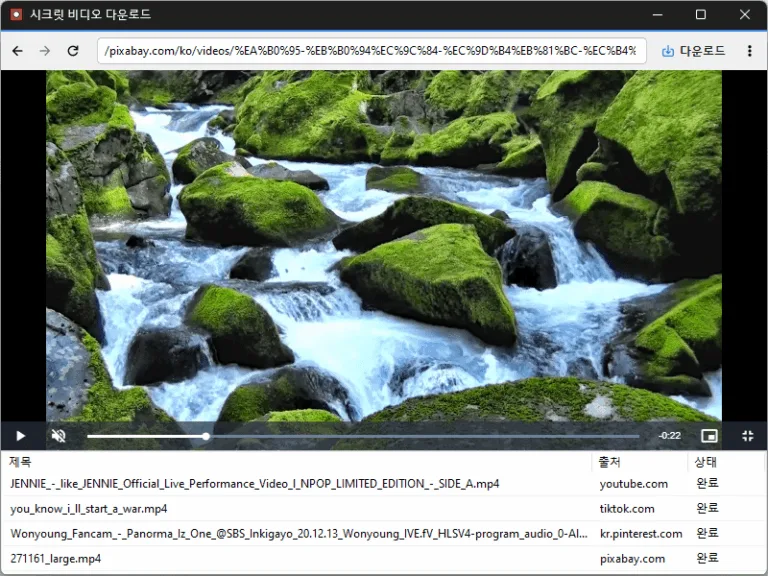
Fixed an issue that prevented downloads from starting with some N-company TV Shorts links Improved N-company TV Shorts link recognition Conveniently watch videos from OTT services and various other websites. Automatically switch full-screen video to a PIP window. Freely adjust the position and size of the PIP window. Keep watching in the PIP window while doing other work. Save an entire web page as an image with a hotkey. Easily save publicly available videos.

Read more — Secret Video 1.2.1 Update
Update

MemoryCleaner 2.0.3 Update

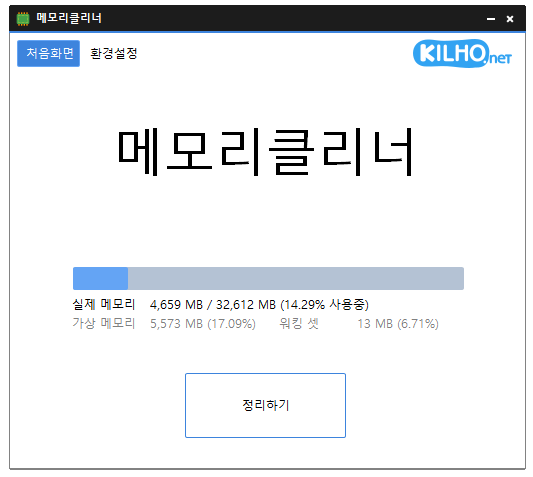
Improved fullscreen detection for uninterrupted gaming and video playback Enhanced stability by preventing errors that could occur during shutdown on some systems Fixed incorrect completion notifications when memory cleanup fails Optimized automatic cleanup to prevent excessive repeated cleaning on certain systems Prevented configuration errors caused by corrupted or outdated settings A lightweight program for efficient memory management. Choose which memory areas you want to clean. Automatically cleans memory based on your selected interval or memory usage. Automatically clears cached memory when available memory runs low. Runs quietly in the system tray with minimal memory usage.

Read more — MemoryCleaner 2.0.3 Update
Update

ImageConverter 1.6.3 Update

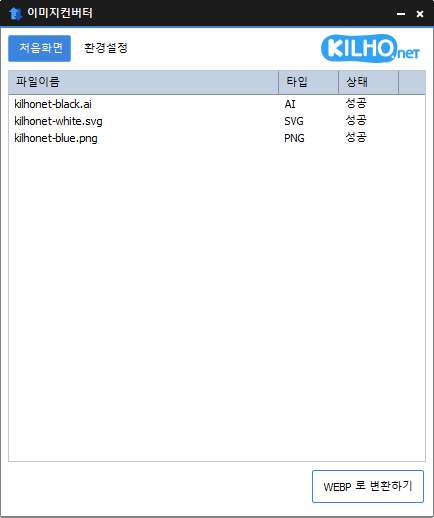
Improved Windows 11 right click access for faster image conversion Fixed an issue where the right click menu could be missing or duplicated on some PCs Improved updates that could pause Explorer or fail to complete in certain environments Enhanced PDF clarity and stability when converting large documents Improved HEIC and AVIF file recognition Prevented unnecessary conversion failures by detecting empty or invalid files earlier Updated program information to accurately reflect supported formats You can change various image formats. Save JPG with higher compression using MozJPEG. Specify the width and the image will be resized accordingly. Supports PDF, SVG, AI, PSD, PNG, JPG, GIF, WEBP, and TGA. Images with file signature information are recognized even if they don't have an extension.

Read more — ImageConverter 1.6.3 Update
Update

KTimer 1.3.2 Update

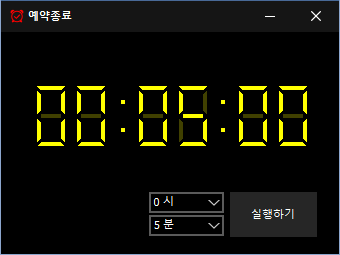
Improved menu options and behavior based on hibernation support Improved sleep mode switching and added a notification when switching fails Fixed an auto-start setup issue that could occur with certain security software Improved stability by reorganizing internal settings Improved update checking You can automatically shut down your computer at a time of your choosing. The computer shutdown screen is automatically captured.

Read more — KTimer 1.3.2 Update
Update

Secret Video 1.1.9 Update

Improved video download stability on a supported website Fixed repeated unnecessary windows on some systems Added completed item removal and re-download support Added multilingual support for the delete option Conveniently watch videos from OTT services and various other websites. Automatically switch full-screen video to a PIP window. Freely adjust the position and size of the PIP window. Keep watching in the PIP window while doing other work. Save an entire web page as an image with a hotkey. Easily save publicly available videos.

Read more — Secret Video 1.1.9 Update
Update

Nemo 0.9.9 Update

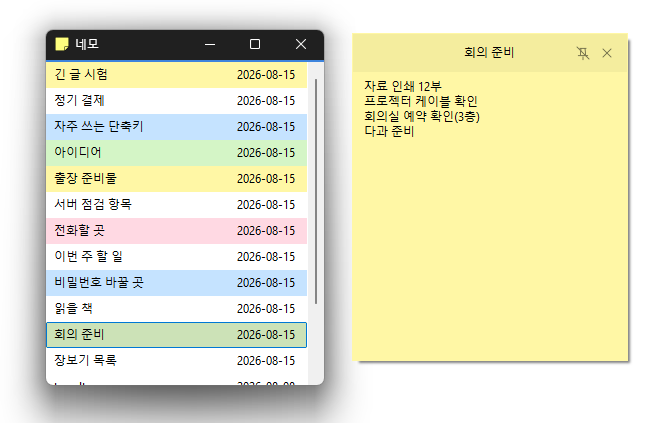
Rewrote the entire program code for faster and more reliable performance Changes are saved to the server automatically when you stop typing or move the window. Each note remembers its position, size, and pin state, and returns as it was on the next run. Give notes different colors to tell them apart at a glance. Notes are shared with the web notepad, so the same memos are on both the PC and the web. Signing in goes through the browser with OAuth 2.0 and PKCE.

Read more — Nemo 0.9.9 Update
Update

Kalmuri 4.2.7 Update

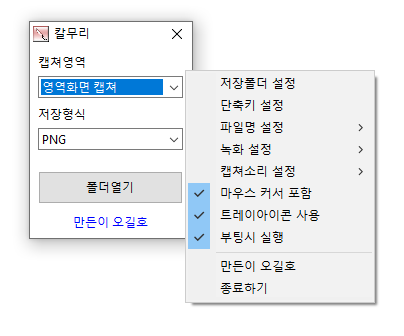
Fixed webpage capture failures and subsequent capture issues in some environments Fixed save folder selection issues in certain situations Video recording support (designation of whole screen and area) Whole screen, active program, window control, area application Support for PNG, JPG, BMP, GIF, MP4 file formats Support saving text with OCR functionality. Support floating image feature. Share the captured image on the web. Color extraction function Full web page capture Printer output

Read more — Kalmuri 4.2.7 Update
Update

SecretDNS 3.9.3 Update

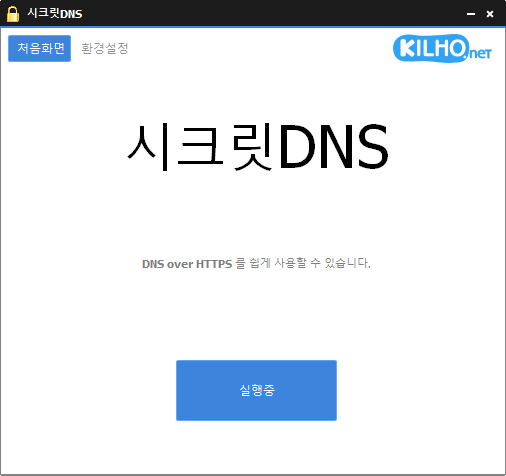
Improved YouTube and Google video playback compatibility Fixed connectivity issues in certain IPv6 network environments Prevented unexpected closures caused by invalid server responses Improved Chrome settings stability Only specified domains can perform SNI fragmentation. Secure your DNS with DNS over HTTPS. The ability to bypass SNI eavesdropping (HTTP/HTTPS) is included. Fragmentation of only the SNI string to minimize slowdown. Minimize access problems through whitelisting. It is used by specifying a DNS server through packet bypass without changing Windows settings. You can easily check the information of the accessed site. Recommended settings let you use the program smoothly by adding exceptions only for the sites you need.

Read more — SecretDNS 3.9.3 Update